The idea
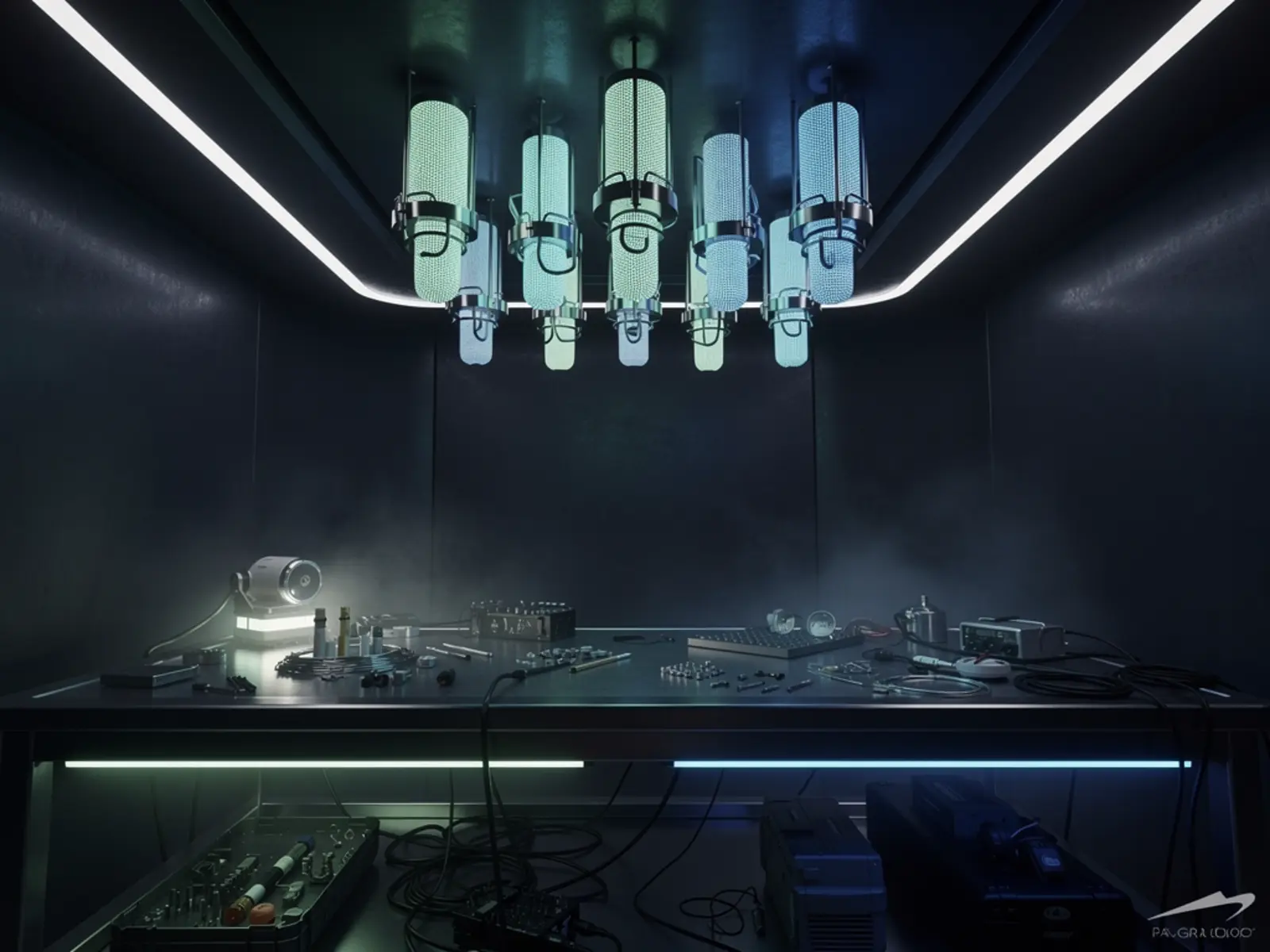
Make one workshop bench easier to use through voice notes, explicit photographs and retrieval of prior project observations. V1 covers a single bench with push-to-talk and deliberate image capture. Continuous whole-room recording, automatic object tracking and machine actuation are distinct later capabilities.
The connection
The useful intelligence is grounded in observations: what was built, what changed and where the evidence lives. The room becomes a working memory through deliberate capture and retrieval.
How it could work
Build around evidence records rather than an assistant that merely sounds confident. Each observation stores project, time, source image or note, extracted text and confidence. Retrieval should show the underlying evidence and its age. An item last photographed on a bench is not necessarily still there.
Use an existing local computer for the first service, a practical microphone/speaker arrangement and one camera with known field of view. Ceiling audio is harder in a noisy workshop than a close microphone; compare placements before installing fixtures. Add a physical mute and visible capture indicator. Keep machine-control outputs outside the initial assistant's authority.
What would prove it
Create a controlled set of 30 workshop observations across three mock projects. Ask 20 predetermined questions including ten answerable questions, five stale-location questions and five questions with no supporting evidence. Introduce a conflicting newer observation and remove one source record.
Proposed gate: at least 9 of 10 answerable responses link to the correct evidence; all unsupported questions admit the missing information; stale answers include their timestamp; the newer correction supersedes the old observation; deleted records are no longer retrieved. Repeat voice input with the printer and extraction equipment operating.
The path to a complete build
- Define the evidence schema and build a manual capture/retrieval workflow.
- Add transcription and image extraction with a review step.
- Test microphone/camera placement in actual workshop conditions.
- Add project filtering, export, deletion and restore from backup.
- Expand coverage only after recording retrieval accuracy, failure cases and a repeatable recovery procedure.
Open the engineering notebook
Components, interfaces and calculations
BOM: available compute, microphone, speaker, one camera, capture button, status indicator and a mounted screen or existing browser. Network and storage should be documented, with a backup and export path. Avoid uploading room footage by default; explicitly choose local or external processing and show that choice.
The initial flow is select project → capture note/photo → review extracted observation → save → retrieve with source. Store corrections as revisions rather than silently rewriting history. Keep a delete path for original media and derived indexes. Label private credentials and screens as excluded capture areas.
Scope and development questions
Plan 6–10 sessions for the one-bench version. Reuse compute initially, then measure storage growth and any per-request service costs. Quote mounting and audio hardware after the placement test. Resolve whether the priority is finding objects, remembering decisions or following build instructions; one accurate workflow is more valuable than broad unsupported claims of room understanding.